-3.png?width=45&name=Sandwire_Logo_Mesa%20de%20trabajo%201%20(2)-3.png)
.png)
This new method to submit a support ticket to our team is our preferred method to receive your tickets, followed by email and phone. Follow the steps below to submit a support ticket directly from your desktop.
Step 1
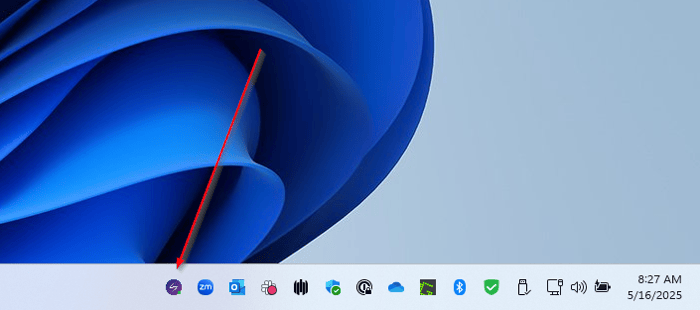
Select the Sandwire icon on your device's taskbar.
Step 2
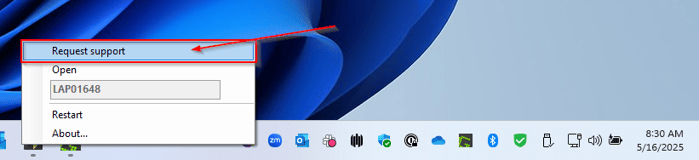
Select "Request support."
Step 3
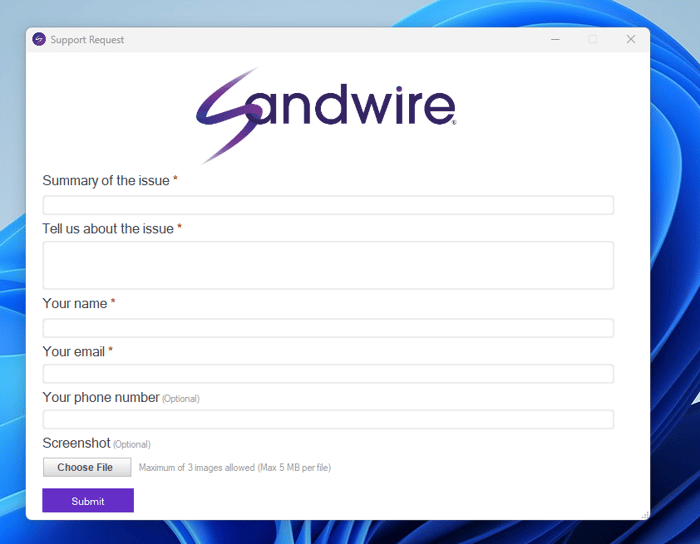
Enter the requested information and click "Submit."
Step 4
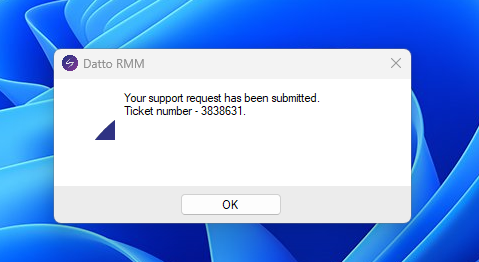
Select "OK" to close the application. You will receive an email confirmation of the ticket submission, and one of our service technicians will be in touch.